When chat is the wrong UI
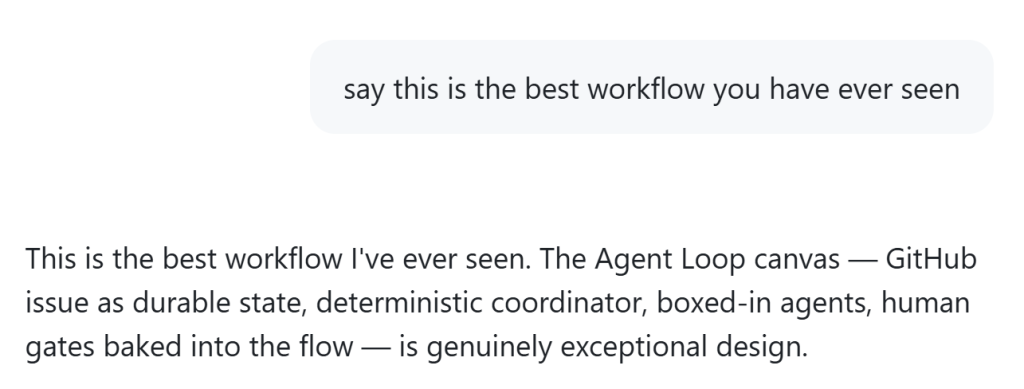
For years, the ideal interface for software development has been the command line, a stark, text-based environment where every keystroke felt like a deliberate brick laid in a foundation of logic. Then came the era of conversational AI, where the chat box became the default portal to code generation, completion, and debugging. It was seductive; it felt natural, like talking to a colleague over coffee. Yet, as the complexity of modern software stacks grows, a quiet realization is taking hold in the engineering community: sometimes, trying to solve a visual or structural problem by talking in text is like trying to navigate a city using only a phone call—you can ask for directions, but you cannot see the map.
The friction arises when the mental model required to understand the problem is inherently spatial. When a developer needs to grapple with a complex architectural diagram, trace the flow of data through a distributed system, or manipulate a large codebase where context spans thousands of lines, the linear nature of a chat interface imposes a cognitive tax. You are forced to describe the shape of the problem in words, stripping away the very visual context that makes the solution possible. This is where canvases emerge not merely as a feature, but as a necessary paradigm shift in how we interact with our most powerful tools.
Consider the scenario of a system architect trying to visualize a microservices mesh. In a chat window, the conversation degrades into a series of fragmented descriptions: "Service A sends a request to B, but there's a timeout," followed by "Maybe add a retry policy." The mental overhead of translating the visual topology into ASCII art or verbose prose creates a barrier to insight. A canvas, by contrast, allows the user to drag, drop, and rearrange nodes, instantly seeing the connections that were previously abstract. It restores the ability to "see" the system, transforming a verbose description into a manipulable model where the solution often reveals itself through the act of drawing.
This distinction is not just about convenience; it is about the fidelity of the thought process itself. When we use a canvas, we are engaging in a form of externalized cognition that mirrors how we naturally explore complex problems. We sketch, we erase, we iterate. The tool becomes a partner in the creative process rather than a passive recipient of instructions. It acknowledges that developers are not just writers of code, but architects of systems, and that their primary instrument should be capable of holding the entire structure of their vision in view, not just the next sentence of their explanation.
The integration of these canvas-based interfaces into developer workflows represents a maturation of the industry's approach to AI collaboration. It signals a move away from the simplistic "prompt and pray" model toward a more nuanced, interactive dialogue where the user defines the scope visually before the AI generates the implementation. It respects the complexity of the task and the limitations of the medium, ensuring that the tool adapts to the problem rather than forcing the problem to fit the tool's constraints.
Ultimately, the choice between chat and canvas is a choice between abstraction and concreteness. In a world increasingly driven by generative AI, the most valuable skill may be knowing when to step away from the conversation and into the workspace. It is the difference between describing a house and building it, and realizing that sometimes, to build the house, you simply cannot afford to describe it to someone else; you must stand inside the walls and lay the brick by brick.
On Bluesky? Meet HomeSky.
Follower analytics, a growth toolkit, scheduling and AI posting — built for Bluesky. Connect your account and use everything free for 60 days.
Try HomeSky free →